

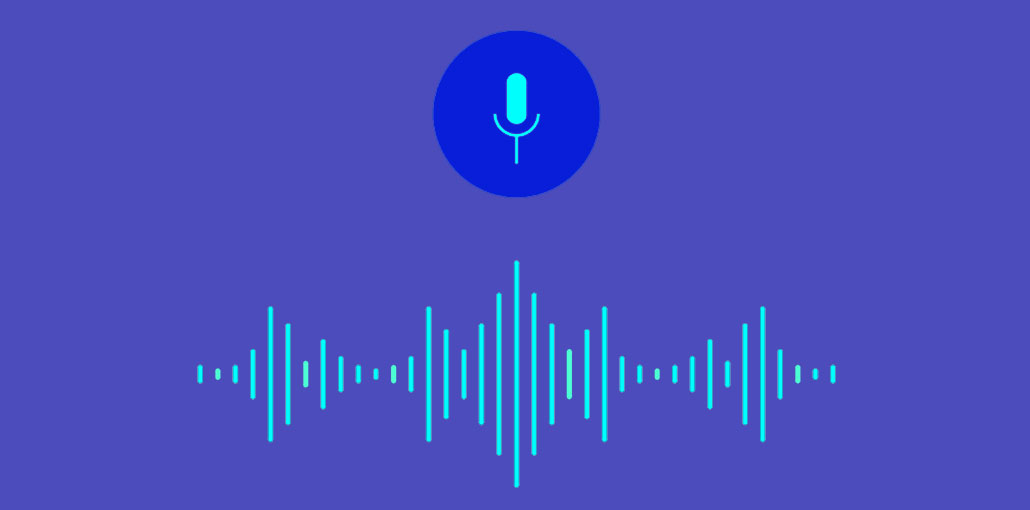
Scripter has been designed to support you throughout the day, to be a silent digital secretary at your side at all times. How can you seamlessly integrate it into your life? Can you really count on it to handle your notes? Read on to find out.
At its very core, Scripter is a productivity device. Everything about it has been tuned to serve the purpose of streamlining note-taking as much as possible.
“One Scripter To Go, Please”
As a wearable device, Scripter is incredibly versatile. You can wear it fixed to your shirt with the magnetic clip – or around your neck as a pendant. The elegant simplicity of the design is such you don’t have to even look at Scripter to use it; there is only one button, everything else has been delegated to the software taking care of transcription, storing, and sorting.
This allows you to take notes anytime, anywhere.
- at your office
- while driving
- on the go
- at home
- outside
Also read: The Gabb Watch is The First Smartwatch That Connected to kids and Keep Them Safe
Speed & Focus
It takes less than one second to fire up Scripter, all without looking away from the task at hand.
It can take anywhere from 9 to 40 seconds for the audio recording app to be started on your smartphone. If you don’t know where the phone is, it may take even longer.
Look for your phone/recorder, turn it on/or enter the password, look for the app, press the buttons, record, and then put the phone away… And on, and on, and on, all over again.
This sort of tedium does not work for people who would like to remain focused for exactly as long as they need it.
You Are In Control
With Scripter, you have a smart digital secretary at your beck and call. The more you use, the recorder, the more its software grows accustomed to your unique speech patterns and words you tend to prefer in different contexts.
Do you often use proper nouns even Wikipedia knows little about (last names, etc.)? Are you a heavy user of technical terms? Tired of correcting the autocorrect on your phone? You won’t see Scripter make the same mistake.
Your vocabulary is stored as a personal dictionary, which you can edit at your leisure. The recorder can be tuned to your liking.
Of course, you could assemble a suite of half a dozen apps from Google Play/Apple Store to get your recordings all organized, but why bother? Scripter is the ultimate all-in-one solution when it comes to note-taking and productivity. It understands your preferences and needs, and it helps you to stay on top of things.
We are a company that is working to revolutionize note-taking with our wearables and we are happy to spread awareness about the future voice technology. Visit the Blog for more articles, subscribe to the newsletter to receive updates about our products and features.



Leave a comment