

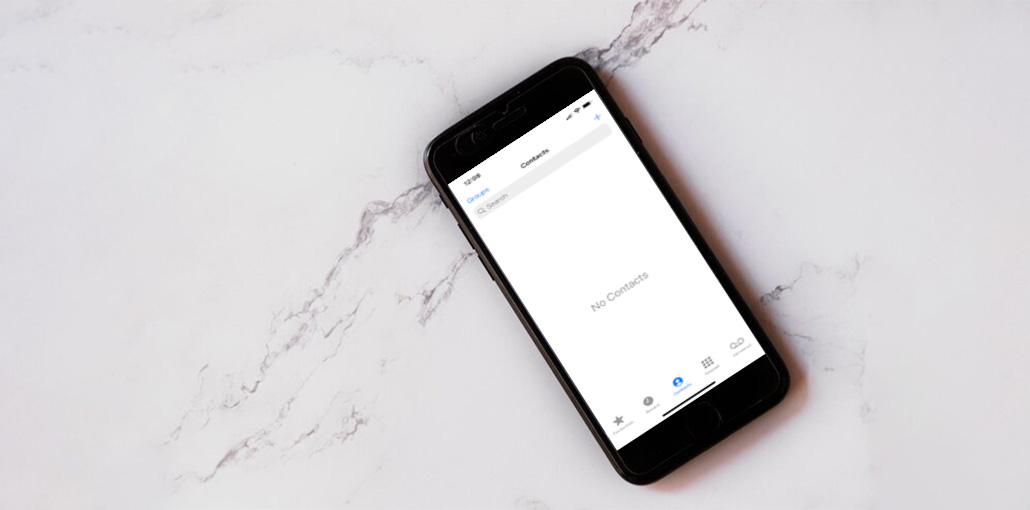
If iPhone contacts disappear, it could be the result of all your contacts being deleted from iPhone and iCloud, iPhone contacts missing, iPhone deleting contacts randomly, or any other reason. These issues can occur across all iPhone models, including iPhone 17 and earlier iPhones. It’s a common problem!
How to restore contacts on iPhone if contacts disappeared? We’ve compiled the most effective techniques to solve the iPhone contacts disappeared problem and restore contacts on iPhone. Follow the steps below and start the recovery process.
Why is my iPhone Contacts Disappeared?
There are some possible causes you might encounter when the iPhone contacts disappeared.
1. iOS Update or Downgrade
You may find your iPhone contacts missing when you update to the latest iOS and downgrade to an old version. It’s because your contacts have not been synced with iCloud, or there is a glitch in the process. Some of the contacts missing are likely due to this issue.
2. iTunes Restore/Sync Problems
There are many different types of iPhone system problems or iTunes issues when you restore or synchronize with iTunes. It can also cause contacts to disappear from your iPhone. The iPhone contacts might be deleted or disappear suddenly.
3. iPhone Jailbreak
Jailbreaking your iPhone can be fun, but you could be stuck with different system issues when the jailbreak process is completed on your iPhone. It could be the reason iPhone contacts disappeared.
4. Accidentally Deleted iPhone Contacts
A few users might accidentally delete contacts. You could also be operating incorrectly using iCloud to sync contacts, which causes deleted contacts disappear on your iPhone. If you’ve lost all your contacts, this is probably due to this issue.
Recently, a few users have reported that, while all contacts were deleted. One or more contacts could be read-only. We will also discuss the issue and work to solve it using the steps below.
Also read: 7 Best iPhone Unlockers to Unlock Your Device Quickly and Safely
How to Fix the iPhone Contacts Disappeared Issue
1. Turn Off and Turn On iCloud Contacts
Re-syncing your iPhone contacts with iCloud may fix the issue where your iPhone contacts disappeared. You can go to Settings. Click iCloud Search Contacts Turn off if it’s turned on, select Keep on my iPhone, and then turn it back on again. You are off, switch it back on. iCloud would ask you to select what you would want to do with the current local contact on your iPhone. Click on Merge. The contacts will then be back.
2. Restore Contacts from iPhone Backup
If your contacts vanished, but they aren’t on iCloud and you don’t have iCloud, you can restore iTunes backups. However, the iTunes application does not enable users to view backup files, and you don’t know if the iTunes backup contains the missing iPhone contacts. Additionally, restoring the backup using iTunes erases all data on the iPhone and then replaces it with backup files.
3. Restart Your iPhone
Restarting your device can be a solution for many iPhone and iPad problems. It’s also easy to use. Hold the power button until to Turn Off. Switch it off and hold onto the power button, and restart the iPhone. If your iPhone screen has become frozen or stuck, you can force restart your iPhone.
4. Restore contacts from iCloud backup
On your iPhone Go into Settings, Apple ID > iCloud > iCloud Backup > Look up the last date backup below. Make a Backup Now.
If you’ve a iCloud backup, that backup could contain missing iPhone contacts. You can restore contacts from the iCloud backup. However, Apple does not offer an iCloud backup preview feature, which means it is impossible to know what data will be saved on your iPhone until the entire process is complete. In addition, iCloud restore also deletes all data and content on your iPhone.
5. Reset All Settings
Resetting all settings won’t restore contacts. When you reset all settings, the iPhone deletes all your personal settings, but it will not erase any of your data, like your contacts or applications.
This means that even if your contacts remain inaccessible on your iPhone, you could restored after the reset.
Also read: How to Fix iPhone Error 4013 Without Data Loss
6. Try Third-Party Data Recovery Software
There’s no solution yet? If the missing iPhone contacts haven’t been returned to the contacts list, then you can try a third-party iPhone data recovery software. It’s ideal to retrieve missing iPhone contacts without backup.
Thus, deleting the contacts will remove the address for the data file in the File Allocation Table rather than the actual file. You can recover deleted contacts from an iPhone using data recovery software. While many data recovery software is available, not all of them work effectively.
Bottom Line
Is that all you need to know about how to fix iPhone contacts disappeared after the iOS upgrade, or perhaps you have made a mistake with iCloud sync, etc? It is possible to retrieve contacts and other data even without backups using iPhone Data Recovery software. Give it a try now! We invite you to post your suggestions on how to solve the iPhone contacts disappeared problem in the comment section below.
FAQs: iPhone Contacts Disappeared
Why did my iPhone contacts disappear suddenly?
iPhone contacts disappeared suddenly due to iCloud sync issues, iOS updates, accidental deletion, or signing out of Apple ID.
Are iPhone contacts permanently deleted when they disappear?
No. In most cases, when iPhone contacts disappear, they are hidden, unsynced, or stored in iCloud—not permanently deleted.
How long does it take to recover disappeared iPhone contacts?
Most fixes restore contacts within minutes. Recovery software may take longer depending on data size.
Why are iPhone contacts missing names but showing numbers?
This occurs when the contacts database is corrupted or syncing is incomplete.









Leave a comment