

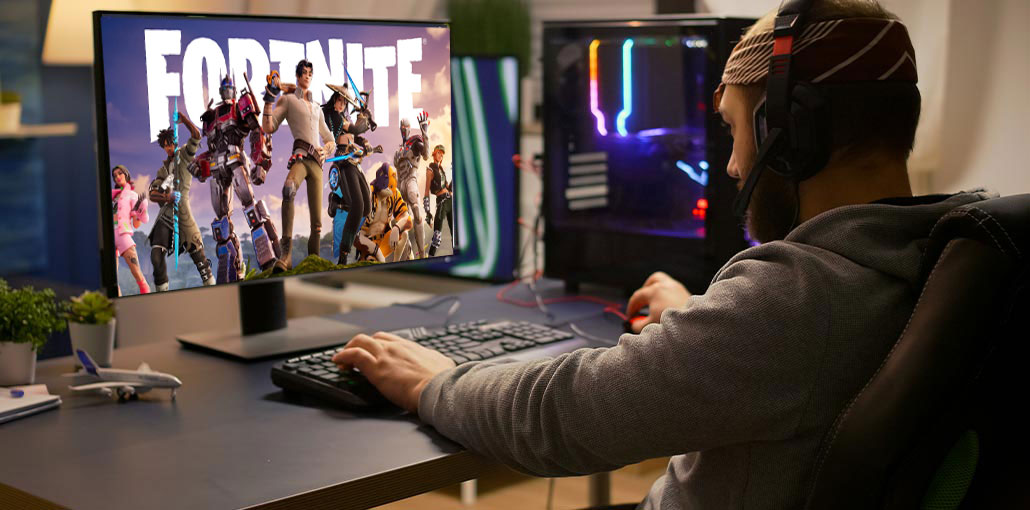
Are you having difficulty joining a game on Fortnite due to the matchmaking error? This article will give you the causes of why the matchmaker might fail, and also the solutions you can implement to solve the Fortnite Matchmaking Error.
What Is the Fortnite Matchmaking Error?
Fortnite uses a computerized system called matchmaker that assigns players to a specific group during an online game. Sometimes, the matchmaker will stop working during the process due to a certain issue or glitch, which may result in a Fortnite Matchmaking Error.
For the player, it means the player can’t join a game. This issue has been on the table since Fortnite was first launched a couple of years ago and hasn’t gone away completely because it’s not due to Epic Games’ servers.
Sometimes the matchmaking issue is due to a slow internet connection, a player’s own network, or the player’s own platform.
A few PS4 users have reported trouble joining the battle royale game because the PlayStation Network is down in their region.
Also read: Steam No License Error? Here’s How to Solve It Fast
Why do Fortnite Matchmaking Errors Occur?
If you’re experiencing a Fortnite Matchmaking Error on PS4, this could be caused by any of these:
1. Fortnite Server Problems
There are no game servers that work 100% all the time. Sometimes, online services have to be shut down because of an unexpected technical glitch. Other times, Epic Games may announce in advance that a certain region may experience slowdowns or server unavailability for a specific time due to maintenance.
2. Slow or Unstable Internet Connection
If you are experiencing an unreliable internet connection at home or your network is always busy with multiple devices connected to the internet simultaneously, a Fortnite Matchmaking Error could occur.
3. Wi-Fi Signal Issues
If you are dependent on wi-fi connection to connect the PS4 and cannot play Fortnite in any way, this could be due to your WiFi signal. There are other devices around that block the router’s signal, or perhaps your PS4 has a weak WiFi signal.
4. Router or Modem Problems
A lot of people don’t realize this, but in some cases, the primary reason the local network appears slow or isn’t working could be traced to the router or modem. Network equipment might not function well if it’s been left running for a long time. Your router should be refreshed at least once every couple of days.
5. Intermittent Internet Disconnections
If your internet connection is constantly disconnected at home and reconnection is not possible, it could prevent the matchmaker from allowing you to participate in a match for a specific time. If the disconnects are frequent after joining a game and especially during competitive matches in a competitive match, the Fortnite servers might punish you and block players from joining matches. While this might seem unfair to those experiencing internet issues that are beyond their control, the temporary ban is intended to prevent players from abandoning a game during the game.
6. High Ping or Wrong Matchmaking Region
It is possible to receive an error message regarding matchmaking if you attempt to play Fortnite on a server that has a high Ping (indicated with the word “ms beside it). For instance, if you originate from Asia and you attempt to join Fortnite by joining one server in North America servers, the matchmaker could block players from joining since it could cause extreme lag for you.
How to Fix Fortnite Matchmaking Error on PS4
These are the options you could try if you encounter a Fortnite matchmaking error on your PS4:
1. Check Fortnite Server Status
The initial troubleshooting steps are to check that there’s no server issue from Epic Games’ side. To verify this, visit the official Epic Games website and see for any operational issues related to their matchmaking system.
2. Restart Fortnite
For some players, matchmaking issues are resolved by refreshing the game or registering at a later date. If you haven’t tried it before, make sure you stop Fortnite on your PS4 to determine if this solves the problem. You may also join Fortnite’s battle royale games later on at a later time.
Also read: How to Fix Plex Playback Errors (s1001, Conversion Failed & More)
3. Choose an Different Server or Region.
As a default feature, Fortnite will determine the optimal matchmaking location for you to ensure you are getting the best gaming experience. It is figured out by Fortnite’s system, selecting the region with the lowest ping or ms.
But you can also manually change your region. To do this, you must comply with these instructions:
- Visit the Fortnite Home screen.
- Click the main menu icon
- Select Settings.
- Choose your gear icon.
- Choose the region you want to use for Matchmaking. matchmaking area.
Note that when choosing a matchmaking region, it is best to select the region with the lowest MS values.
4. Troubleshoot Your Internet Connection
If there aren’t any server issues and you’ve picked the ideal matchmaking location, and you’re still receiving an error when you try to make a match, the next step is to check if the Fortnite Matchmaking Error is due to your own internet connection.
Test Your Internet Speed
The first step is to know how fast your PS4’s upload and download speeds are. For this, it is necessary to run an speed-test on your system.
Remember that you should have adequate upload and download speed play online games such as Fortnite. If your upload or download speed is below 5Mbps, it could result in lag or latency.
Reduce Network Congestion and Fix Bandwidth Issues
If your internet connection is overloaded by multiple devices connected same internet, the PS4 could be struggling to maintain stable connectivity to Epic Games servers. Make sure to unblock the devices on your network while playing to check whether this is the situation.
5. Verify Game Files (PC Users)
Corrupt or missing game files could trigger the Fortnite Matchmaking Error issue. Game files may become damaged due to a variety of reasons, such as changes to the game, unstable Internet connectivity, permission issues, and hard drive issues. You can repair game files by using the repair function accessible within the Epic Games Launcher without the necessity of reinstalling the game. Here’s how to do it:
- Open the Epic Games Launcher.
- Visit the Epic Games Library and locate Fortnite.
- Click the 3 dots on the right side of the line, and then select Manage.
- Click the Verify button.
It is best to wait until the game’s files are fixed. Then, launch the game again to see if the issue is still there.
Also read: Steam Games Not Launching? 6 Fixes to Solve the Problem
6. Update or Reinstall Fortnite Game
It’s crucial to ensure that the game you’re playing is the latest version available. Check for any imminent updates within Epic Games’ launcher. Since developers often release updates to fix bugs, boost performance, or introduce new features.
If you notice the game updated, however, it is still causing problems, the Fortnite Matchmaking Error issue persists, you should consider reinstalling the game. To do that, you must uninstall Fortnite from your system, reboot your system, ensure all leftover files are deleted, and then download and install it. This can usually resolve any issues that could be causing the playing issue.
Final Verdict
This article offers five suggestions for fixing Fortnite Matchmaking Error, and you can test each one at a time until the problem is solved. We hope you can return to the game.
FAQs: Fortnite Matchmaking Error
Is Fortnite Matchmaking Error caused by servers?
Sometimes yes. During updates, maintenance, or live events, Fortnite servers may become overloaded, causing temporary matchmaking failures.
Why does Fortnite say “Unable to Join Match”?
This appears when your console or PC cannot establish a connection with Fortnite servers due to network problems, server downtime, or account restrictions.
Can corrupted game files trigger Fortnite matchmaking errors?
Yes. Corrupted or missing game files can prevent proper server communication. Verifying or reinstalling the game usually fixes this.
Are Fortnite matchmaking errors common on new updates or events?
Yes, during major updates or live events, millions of players log in simultaneously, sometimes causing server congestion and matchmaking failures.




Leave a comment