

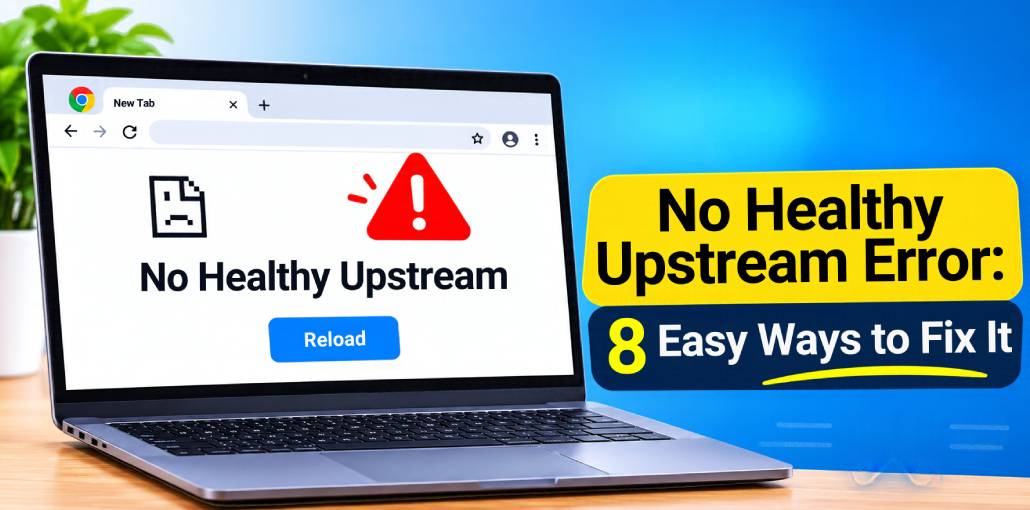
Some Google Chrome users have been encountering an unusual error message: No Healthy Upstream. It can be confusing, as it does not affect most users. This error often appears when using websites like Netflix, Spotify, eBay, VMware vCenter, Kubernetes, and other online services. There are several troubleshooting methods that can help identify and resolve the No Healthy Upstream error.
What Does the No Healthy Upstream Error Mean?
For those unfamiliar with the term, upstream generally refers to sending updates, patches, or packages to an administrator or a central repository for integration into a software project’s source code. When an upstream service becomes unhealthy, it may fail to process or forward the required data to its intended destination. In some cases, users may not immediately realize that they are affected by the No Healthy Upstream error. Simply put, it is a software-related issue that prevents an application or service from functioning properly.
How to Fix the No Healthy Upstream Error on Spotify
The No Healthy Upstream error can also occur while using Spotify, the popular music streaming service. If you encounter this issue, try the following solutions:
1. Restart Your Router
Restarting your wireless router is one of the simplest ways to resolve this issue. The process is quick and requires only a few steps.
- Locate your wireless router and press the power button to turn it off.
- Wait a few seconds, then press the power button again to turn it back on.
- Alternatively, access your router’s administration interface through a web browser and select the Restart option.
After restarting your router, check whether the No Healthy Upstream error has been resolved.
Also read: Spotify Search Not Working? 8 Quick Solutions You Should Try
2. Open a Private Browser Window
In some cases, opening Spotify in a private or Incognito browser window can help resolve the issue. Follow these steps to do so:
- Open Google Chrome on your Windows 11 or Windows 10 computer.
- Click the three-dot menu in the top-right corner of the browser.
- From the dropdown menu, select New Incognito Window.
- A new private browsing window will open. Make sure the Incognito icon is visible.
- Alternatively, press Ctrl + Shift + N on your keyboard to open an Incognito window directly.
Once the private window is open, visit Spotify and sign in using your account credentials. Try playing a song to see whether the No Healthy Upstream error has disappeared.
3. Update Your Browser
In many cases, updating your web browser can resolve various browsing-related issues, including the No Healthy Upstream error. Although Google Chrome typically updates automatically, you can manually check for and install available updates if necessary.
How to Fix the No Healthy Upstream Error on vCenter and eBay
The No Healthy Upstream error can also occur when accessing platforms such as VMware vCenter and eBay. If you encounter this issue on vCenter, consider upgrading its hardware resources, if possible, to improve performance and resolve potential resource-related problems. Alternatively, shut down the vCenter server and restart it to check whether this resolves the error.
Several users have reported success with the troubleshooting methods mentioned above, so try them out to determine which solution works best for your situation.
When it comes to eBay, the No Healthy Upstream error may prevent you from performing certain activities, including bidding on items, purchasing products, or listing items for sale. Unfortunately, if the issue originates from eBay’s servers, there is little you can do to resolve it yourself. In such cases, the best option is to wait until eBay identifies and fixes the underlying problem.
How to Fix the No Healthy Upstream Error in VMware vCenter
If you encounter the No Healthy Upstream error in VMware vCenter, try the following troubleshooting methods:
- Check the VM Options: Open the VM Options menu, navigate to General Options, and select VMware Photon OS. Check whether this resolves the issue.
- Change Hardware Compatibility: Use the Change Hardware Compatibility Wizard to select a different hardware compatibility configuration.
- Upgrade Your Virtual Machine: Upgrade the virtual machine to a newer compatible version to address potential compatibility or performance issues.
Also read: Practicing Safe Browsing Habits: Protecting Your Online Security
How to Fix the No Healthy Upstream Error in Your Browser
Resolving the No Healthy Upstream error in Google Chrome or other web browsers is usually straightforward.
- Launch Google Chrome if it is not already running.
- Locate the Google Chrome shortcut on your desktop.
- Right-click the shortcut and select Open.
Alternatively, double-click the Chrome icon to launch the browser.
You can also open Google Chrome by clicking its icon on the Windows Taskbar or finding it in the Start Menu.
- Next, you need to open the Clear Browsing Data window in Google Chrome by following these steps:
- Click the three-dot menu in the top-right corner of Chrome.
- Select History from the dropdown menu.
- A new tab displaying your browsing history will open.
- Find and click Clear Browsing Data in the left-hand panel.
- In the window that appears, check the Cached Images and Files option.
- Under the Time Range section, select All Time.
- Finally, click the Clear Data button to delete the cached files.
- Wait a few moments for Chrome to complete the process.
Once the process is finished, revisit the affected website and check whether the No Healthy Upstream error still appears.
Wrap Up
Are you still encountering the No Healthy Upstream error in Google Chrome and other programs such as Spotify, eBay, and VMware vCenter? Don’t worry, you are in the right place! This guide will show you how to easily troubleshoot and resolve this issue. Try clearing your browser cache, rebooting your router, and updating Chrome.
FAQs: No Healthy Upstream
Why does Spotify show No Healthy Upstream?
Spotify may show this error when its servers are not responding or there is a problem with your internet connection.
Is the No Healthy Upstream error caused by my internet?
Not always. The error can be caused by your internet connection, browser settings, or problems with the website's server.
How long does the No Healthy Upstream error last?
It depends on the cause. Browser or internet problems may be fixed quickly, while server problems can take longer to resolve.
How can I prevent the No Healthy Upstream error?
Keep your browser updated, use a stable internet connection, clear your browser cache regularly, and keep your apps updated.








Leave a comment