

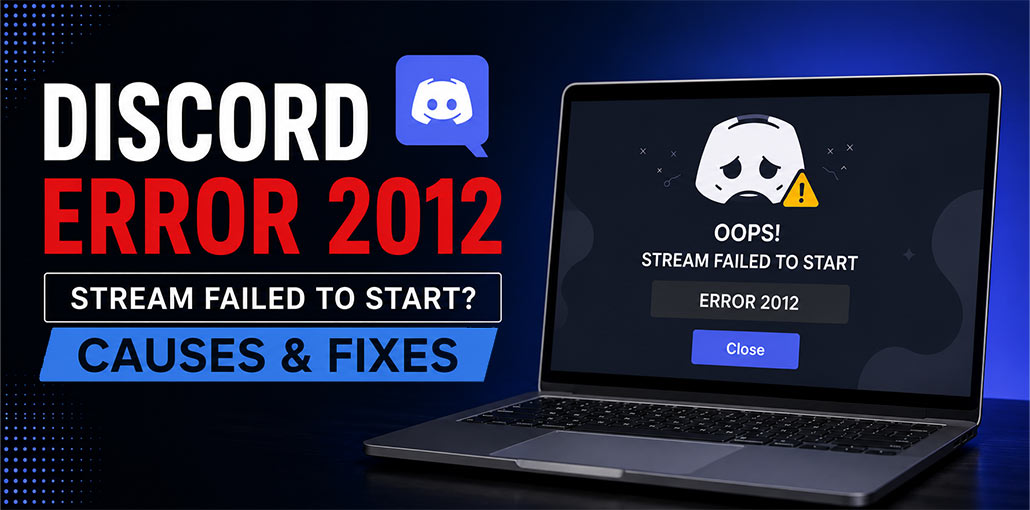
Have you experienced this error: “Discord Error 2012 Stream Failed to Start? This issue is extremely frustrating and a common occurrence for Discord users. It’s possible to stop everything immediately when you’re streaming games, sharing your screen, or watching someone else’s. The good news: it’s fixable. This article explains what Discord Error 2012 means, why it happens, and how to solve it.
What is Discord Error 2012?
Discord Error 2012 is commonly associated with a Video Viewer Timeout issue. It occurs when Discord fails to start or establish a video stream connection. This isn’t an issue with logins or an app-specific launch error. It’s a streaming error.
This issue is usually seen when you open a screen share, play Go Live, or try to see someone’s camera feed.
What Causes Discord Error 2012?
Many technical issues can cause Discord error 2012. Understanding these issues can help you decide the correct solution.
- Poor or unstable internet connection
- Discord server outages or maintenance
- Corrupted Discord cache files
- Firewall or antivirus blocking Discord
- VPN or proxy conflicts
- Outdated Discord application files
- Network configuration issues
Also read: Why Discord Error 3002 Happens and How to Fix It Quickly
How to Fix Discord Error 2012?
Discord error code 2012 is an annoying issue, but several troubleshooting techniques can fix it. These are the most effective solutions, beginning with the most basic and ending with advanced. Make sure to follow them to get the optimal results.
1. Restart Discord Completely
There are times when Discord has a background process which do not shut down properly. This can prevent streaming functions and cause the Discord stream to fail to start. Restarting Discord to start afresh reboots the program and typically resolves stream error 2012 in Discord immediately.
On Windows:
- Press Ctrl + Shift + Esc to open Task Manager.
- Find Discord in the list.
- Click End Task.
- Launch Discord again.
This fix refreshes the application’s connection to Discord servers and can often fix intermittent glitches that can cause streaming issues.
2. Check Your Internet Connection
Streaming on Discord requires a stable internet connection. If your connection is slow or unstable, Discord may fail to start the stream and display Error 2012. Even a small drop in connection could cause this issue.
Test your internet connection with a speed test. When possible, use a wired Ethernet connection instead of Wi-Fi, as it is more reliable.
- Reboot your router or modem if you face connectivity issues.
- Change your network settings to solve the issue.
- A stable connection is essential because streaming requires sufficient bandwidth to sustain the video.
3. Enable or Disable Hardware Acceleration
Hardware acceleration allows Discord to use your GPU for video processing. If hardware acceleration is disabled or configured incorrectly, Discord might not start streams. This feature is also useful for reducing CPU usage and improving stream stability, particularly on modern systems.
- Open Discord.
- Click the Settings icon.
- Navigate to Advanced.
- Locate Hardware Acceleration.
- Toggle the option on or off.
- Restart Discord.
Some users have reported success using hardware acceleration, and some have reported that deactivating it fixed their streaming issues.
4. Clear Discord Cache
Discord keeps temporary cache files to speed up loading. These files could become damaged over time, leading to streams failing to start with errors. Deleting the Discord cache will remove these corrupted files, without impacting your chats or account.
- Press Windows + R
- Type %appdata% and press Enter.
- Open the Discord folder.
- Delete the Cache, Code Cache, and GPUCache folders.
- Restart Discord.
Then, you can restart Discord and test your stream to confirm that error 2012 has been fixed.
5. Check Browser-Side Problems
If you are watching Discord streams through a browser, your settings can influence the connection. Try a quick cleanup path:
- Close Extra Tabs
- Disable Heavy Extensions
- Clear Browser Cache
- Restart the Browser
- Test Again
This can be helpful when the issue is restricted to Discord web.
Also read: How to Fix the RTC Connecting Discord Error: 6 Simple Methods
6. Disable Your VPN
VPNs route your Internet traffic through a remote server. This could disrupt Discord’s live streaming connection and lead to stream errors 2012. Disabling the VPN helps Discord connect directly to its servers.
7. Check Discord Server Status
Sometimes, the problem isn’t the device. Discord’s streaming service may be temporarily down or under maintenance. Checking server status can save time and help avoid unnecessary troubleshooting.
Check Discord’s official server status page. Review the voice, media, and streaming services.
If you experience an interruption, wait until services are restored
If none of these solutions fix the issue, consider updating your graphics driver or using the Discord Public Test Beta (PTB) version, which can fix issues before they reach the stable version.
How to Prevent Discord Error 2012
To avoid seeing Discord Error 2012 in the future:
- Keep Discord updated.
- Avoid using unreliable VPN services.
- Clear cache files occasionally.
- Maintain a stable internet connection.
- Update Windows and network drivers regularly.
Conclusion
Discord Error 2012 is a frustrating issue for streamers, particularly when your stream won’t start. This is usually due to weak internet connections, corrupted cache files, or VPN issues. Fix the Discord stream failed to start error by restarting Discord, adjusting hardware acceleration, removing VPNs, or checking Discord’s servers.
FAQs: Discord Error 2012
Why am I getting Discord Error 2012 only when screen sharing?
Discord Error 2012 during screen sharing usually occurs because Discord cannot initialize the video stream. Network instability, hardware acceleration conflicts, or graphics driver issues are the most common causes.
Can a slow internet connection cause Discord Error 2012?
Yes. Discord streaming requires a stable and fast internet connection. Network interruptions or low bandwidth can trigger Error 2012.
Does Discord Error 2012 affect text chats and messages?
No. Error 2012 only affects video-related features such as screen sharing, Go Live streams, and video calls. Text messaging and normal chat functions usually continue to work normally.
Does disabling Hardware Acceleration fix Discord Error 2012?
For many users, yes. Hardware acceleration can conflict with graphics drivers and prevent Discord streams from starting correctly.




Leave a comment