

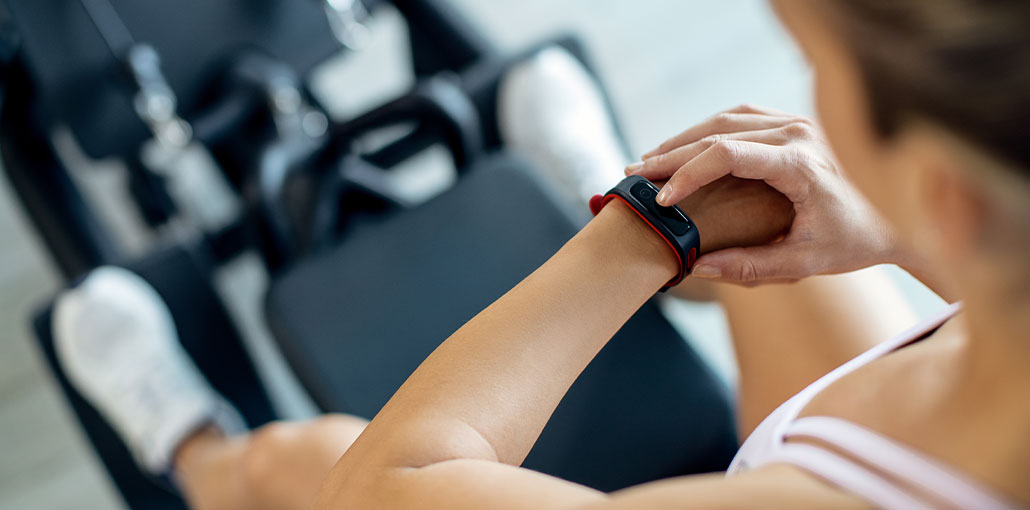
It is an activity tracker, and many people use Fitbit to monitor their activities throughout the day. However, there are issues when Fitbit not syncing with the phone. People who use Fitbit typically focus on fitness and health. They track calories burned and active minutes based on the distance and steps every day. In this post, I’ll show you why Fitbit not syncing and how to fix it.
Why Is My Fitbit Not Syncing?
There are several reasons Fitbit won’t sync with your phone or tablet. Common causes include:
- Bluetooth connection problems
- Outdated Fitbit app
- Low battery on your Fitbit
- Software glitches
- Phone compatibility issues
- Fitbit server outages
- Corrupted app cache
Whether you use a Fitbit Charge, Versa, Inspire, Sense, or Luxe, these solutions usually work for all models.
How to Fix Fitbit Not Syncing Issues
Do everything in a stepwise manner if you experience a Fitbit not syncing issue. For most people, this issue can be fixed without tech support.
1: Restart your Fitbit device
This will clear any caches and solve any minor software glitches. Be sure to follow the steps exactly on how to reboot your device in accordance with the model.
2: Reboot Your Smartphone
It is better to restart your phone to ensure that Bluetooth settings and background functions will be reset. Sometimes, temporary bugs caused by these Fitbit issues can be fixed once the sync issue is resolved.
Also read: Top 10 Wearable Health Gadgets and Devices to Make Life Easier
3: Turn Bluetooth Off and On
Go to the Bluetooth on your phone and switch it off for a few minutes, then turn it back on. You should ensure that only one Fitbit device is connected.
4: Forget Device and Re-Pair
If your Fitbit cannot connect, you can visit Bluetooth settings> tap the Fitbit and select “Forget Device.” Then start your Fitbit app and configure your tracker a second time.
5: Update the App
Visit the app store to see whether the Fitbit app needs an update. An outdated app could be the MAJOR cause for the Fitbit not synchronizing with apps.
6: Check the Permissions of the App
On Android, go to the Settings menu > Applications > Permissions > Fitbit. Make sure that permissions for Bluetooth Location, Bluetooth, and Background activity are set.
7: Clearing Cache (Android Only)
Go to Settings > Apps > Fitbit > Storage > Clear Cache. This can help if the app is unable to sync or freezes.
8: Update Fitbit Firmware
In the mobile app, click the profile picture > select your device’s name, then update your firmware if it is. Install it to resolve bugs regarding Fitbit not syncing.
9: Reinstall the Fitbit App
Remove and then reinstall the app on your smartphone. Log in with your Fitbit credentials, and then follow the steps to reconnect your device.
Also read: Some iCloud Data Isn’t Syncing? 6 Proven Fix iCloud Sync Issues
10. Perform a Factory Reset
This should be considered a last option. If nothing else has worked for Fitbit sync issues, factory reset your Fitbit to bring it back to square one. Open Settings on your Fitbit and go to About or Device Info, Select Factory Reset or Clear User Data, and confirm the reset
Tips to Prevent Fitbit Syncing Problems
To keep your Fitbit syncing smoothly:
- Keep Bluetooth enabled
- Update the Fitbit app regularly
- Charge your Fitbit frequently
- Avoid connecting too many Bluetooth devices
- Restart your phone occasionally
These habits help maintain a stable connection.
Conclusion
However, Fitbit Connect works incredibly well with phones and tablets, and you won’t encounter any difficulties setting up the device, especially when you follow the instructions above on how to fix the Fitbit not syncing issue. The most appealing aspect is that it’s time to take your health and fitness to a new and higher level!
FAQs: Fitbit Not Syncing
Why is my Fitbit not syncing with my phone?
Your Fitbit may not sync due to Bluetooth issues, low battery, outdated app versions, or temporary software glitches on your phone or Fitbit device.
How do I force my Fitbit to sync?
Open the Fitbit app, tap your profile picture, select your Fitbit device, and tap “Sync Now.”
Can low battery stop Fitbit from syncing?
Yes, a low Fitbit battery can prevent syncing. Charge your Fitbit for at least 30 minutes and try syncing again.
Will reinstalling the Fitbit app fix syncing issues?
Reinstalling the Fitbit app can fix corrupted files or app glitches that prevent syncing.
How to Sync Fitbit
To sync your Fitbit, turn on Bluetooth on your phone, open the Fitbit app, tap your profile picture, select your Fitbit device, and tap “Sync Now.” Keep your Fitbit close to your phone during the syncing process.







Leave a comment